Download High-Quality Images
It maintains the image's quality for the best user experience. It ensures you can save full HD images with their original quality.
Paste a public pin link and save Pinterest images to your phone or computer in seconds.
Download Pinterest Images
Paste link · click download · save image or photo

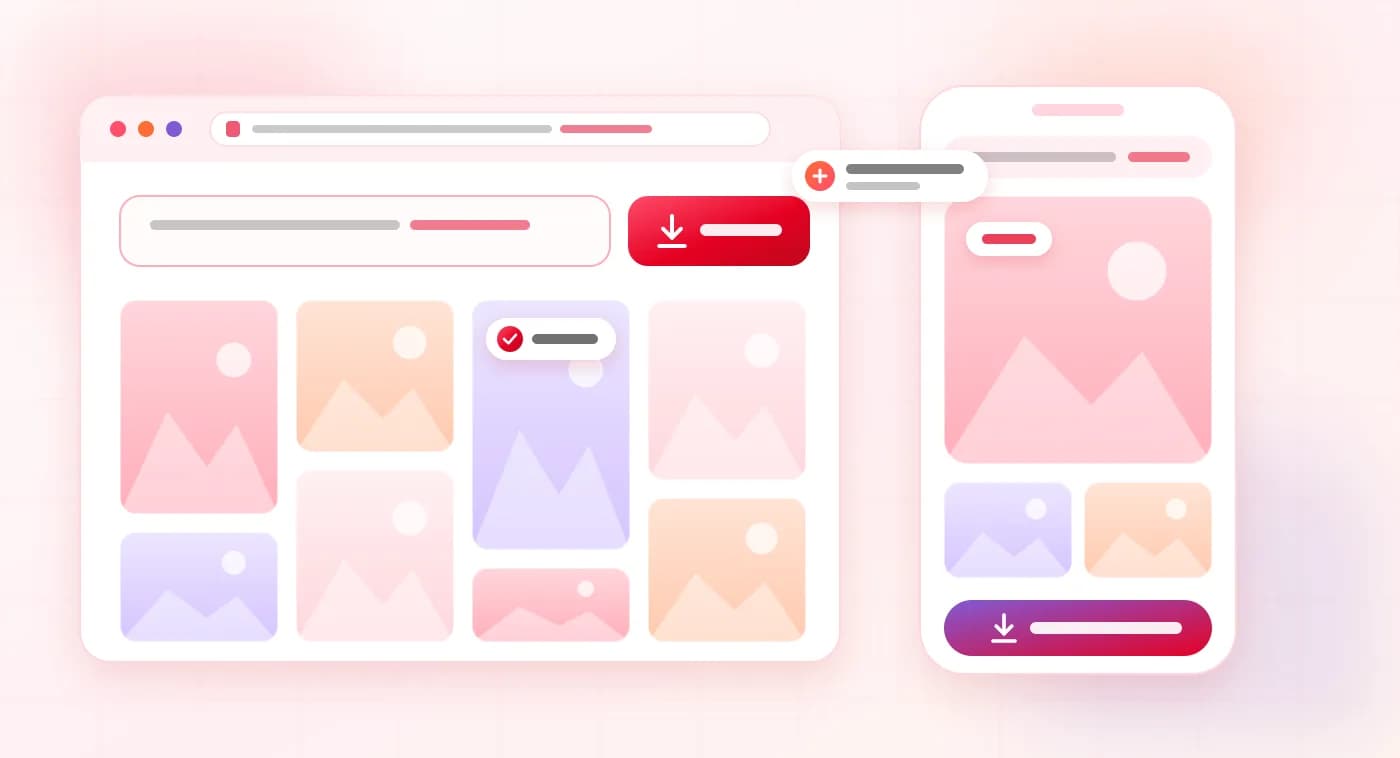
Discover the Pinterest Image Downloader, the ultimate online tool that lets you effortlessly save your favorite Pinterest images with just a click. It works through a browser, and there is no need to install or create an account. Users only need to use a Pinterest link and download Pins if they are publicly available.
So it is one of the most favourite choices of millions of people. Its simple interface makes the downloading process more convenient for users. It is a suitable option for those who want to save and download public Pinterest images to their device.
It maintains the image's quality for the best user experience. It ensures you can save full HD images with their original quality.
No need to pay a penny to download images or other supported content from Pinterest. It works smoothly even during peak hours.
This is a free online image and video downloader tool. It shows some ads but never disturbs the download process or wastes your time.
This is a reliable tool that never shares your download history to third parties. It is also free from bugs and issues.
It is not a difficult process to download media from Pinterest. If a public link is available, media can be saved using a browser-based downloader by following simple steps.
Step 1: Find the Pinterest Images — The user finds images to save. It is necessary to use a public pin because private and restricted content is not accessible.
Step 2: Copy the Pin Link — Copy the link to the specific pin to access it on mobile and desktop via share and the address bar. It is very important to copy the correct link because it creates problems in identifying the tool media.
Step 3: Open the Downloader Tool — The user can open the favorite Pinterest downloader in the browser. As it is a web-based tool, there is no need to install software on individual machines.
Step 4: Paste the Link — Now paste the copied link in the input box. The tool processes the given link and checks whether downloadable media is available or whether it is public.
Step 5: Review the Available Media — If media is available, the tool shows its preview and download option. The user can choose an option from the available quality and format.
Step 6: Download the File — Click on the download button and save the file on your mobile or computer. After downloading, the user can also view the file offline.
Step 7: Organize Your Downloads — After downloading, arrange the file in an individual folder. In this way, it becomes easy to find the selected file in the future.
Step 8: Use Content Responsibly — Downloaded content should be used for authorised purposes only. The creator's permission is necessary for public and commercial use of the content.
There are some challenges to using Pinterest Downloader. Some problems you may encounter are due to internet connection, browser settings, or incorrect links. Some common mistakes are listed below:
Incorrect copy link causes disturbance.
Low internet speed causes difficulty accessing Pins
No option for direct download
Confusion due to same Pins
Difficult to find the source
Problems of duplicate posts
Same old and updated ideas
No availability of exact content
Time-consuming to search due to different categories
Video downloading issues due to slow internet
No availability of high-quality Pin media
Distraction due to a lot of suggestions of related content
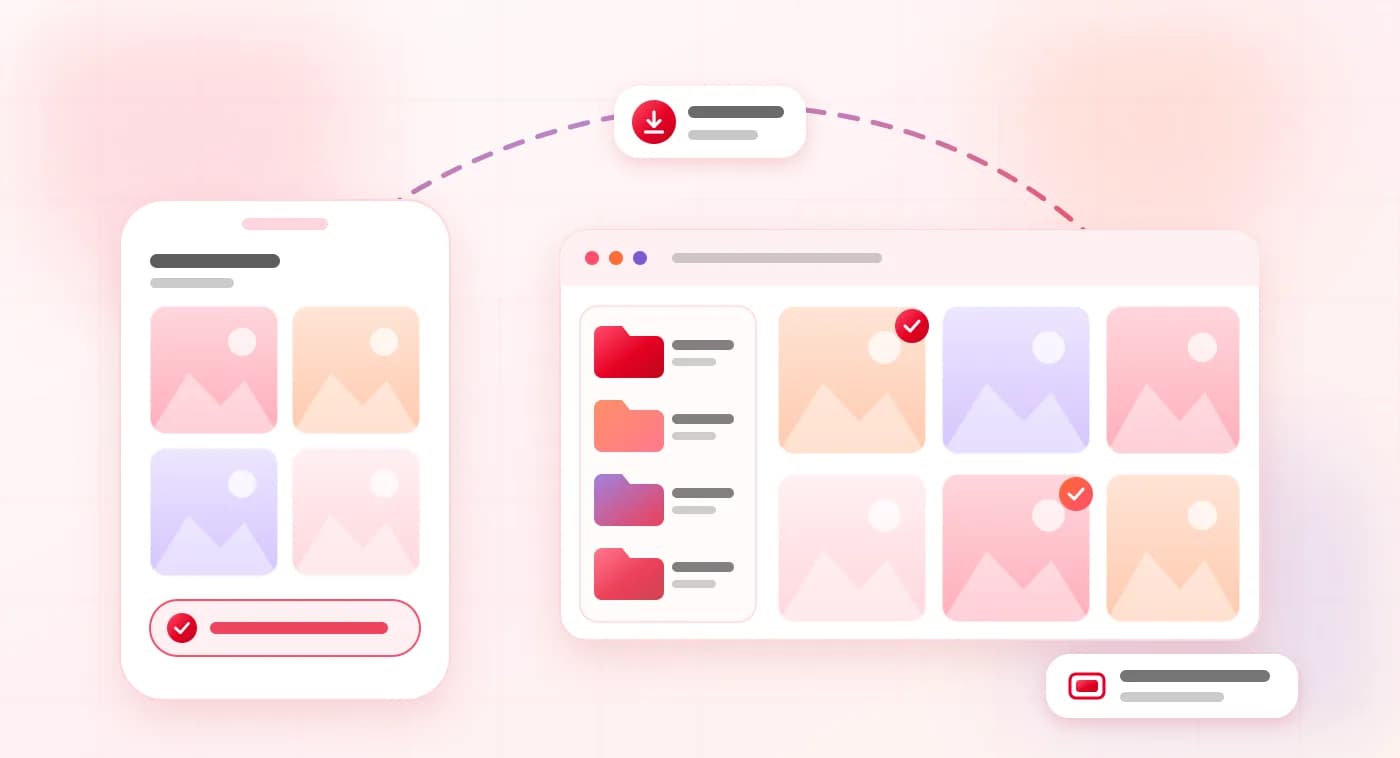
The Pinterest Image Downloader is a platform that lets you download Pinterest images for free. Its simple design and easy navigation system makes it easy to use. You can download and use the public content, while private or restricted content is not accessible. So, download your favorite Pinterest Photos using this fast and secure tool and enjoy.
No, not every Pinterest pin is available for download; only public pins and publicly accessible media can be downloaded.
A stable internet connection is very important. If the network is disconnected, the user will encounter issues.
A direct link is appropriate because information about specific images is easy to identify media.
Yes, it is better to keep files in multiple folders and categories so you can find them in the future.